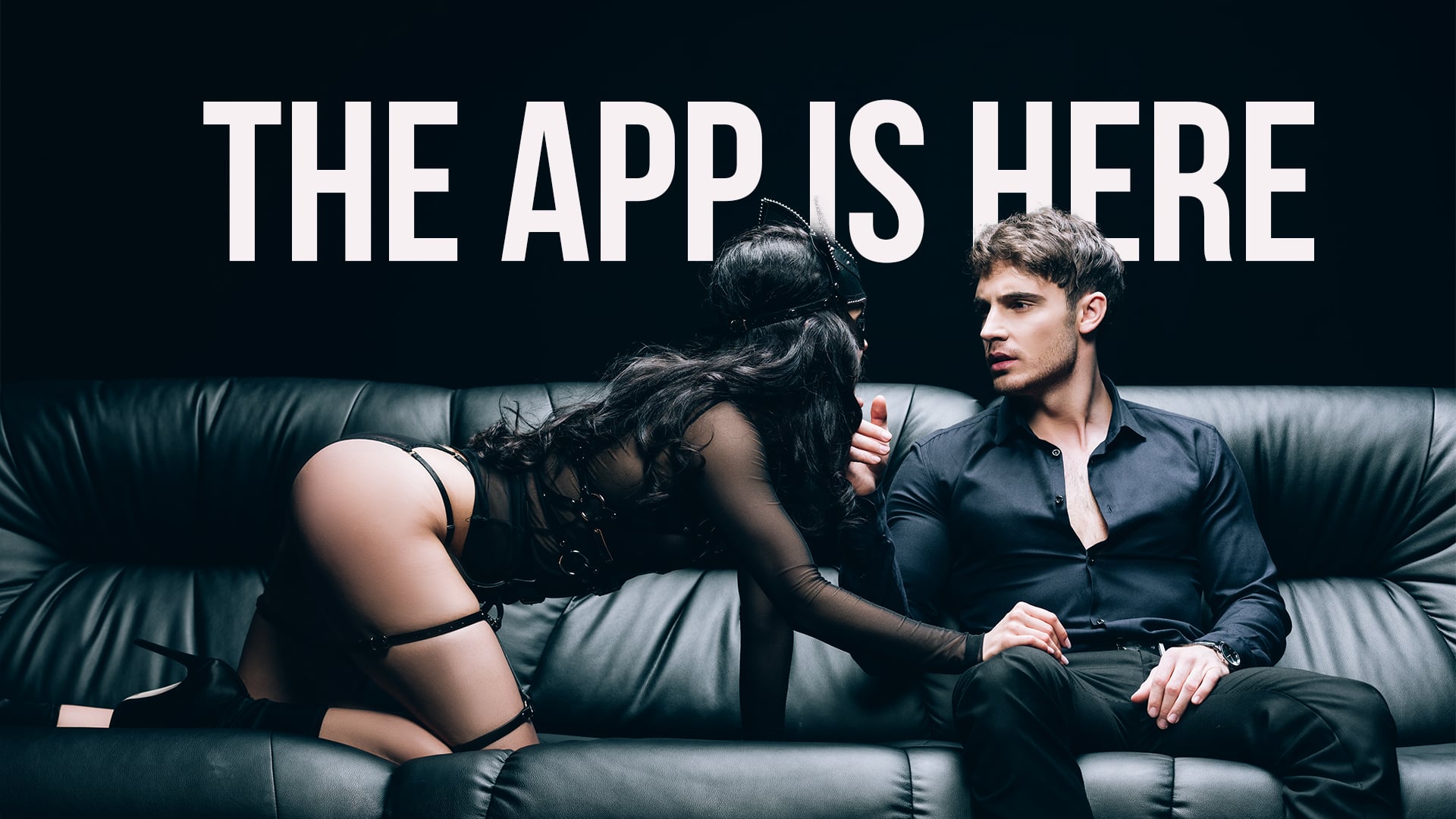
No more swiping. Meet in real life.
The Illuminaughty app helps members connect before and after events, plan hangouts, and build a social circle that grows naturally through shared experiences.
More than 20,000 vetted Illuminaughty members nationwide. Hundreds more joining every month.
Start connecting.
Install the App on your Phone


Stay Connected Between Parties.
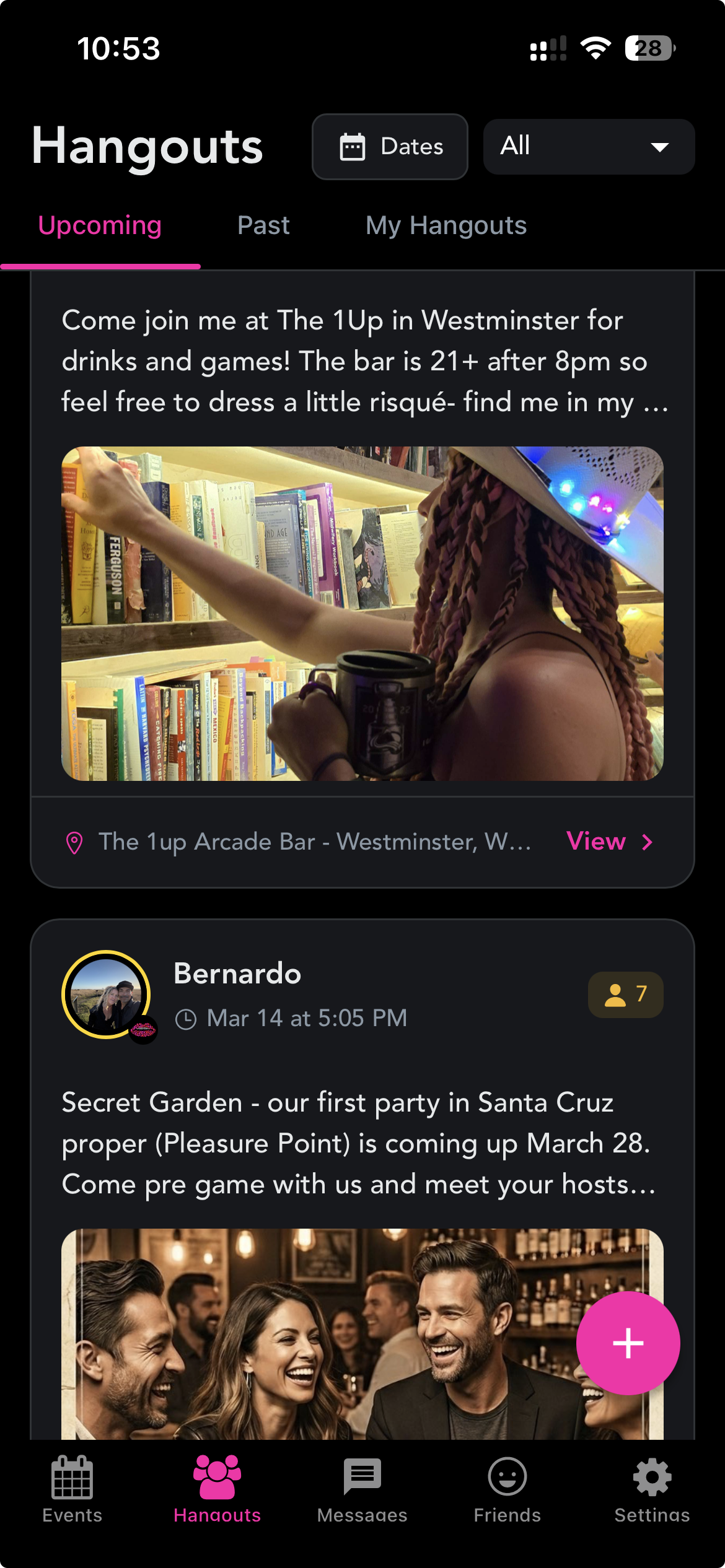
Friendships and deeper connections grow from spending time together. Hangouts are member-led meetups where the community connects in real life. They can be casual, social, active, or spicy. Allow anyone and meet new friends, or limit it to only who you want there.
You pick the vibe. Others opt in.
How the App Helps You
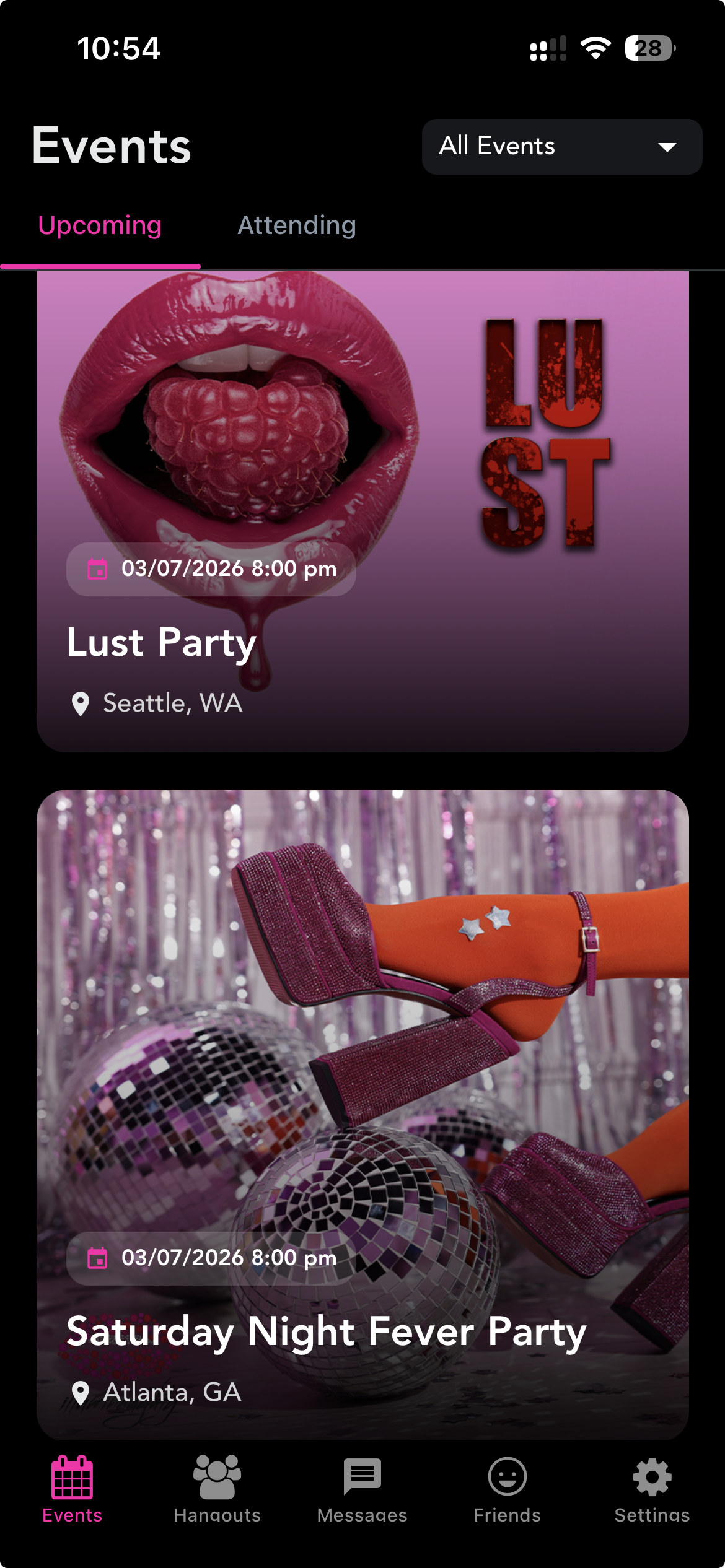
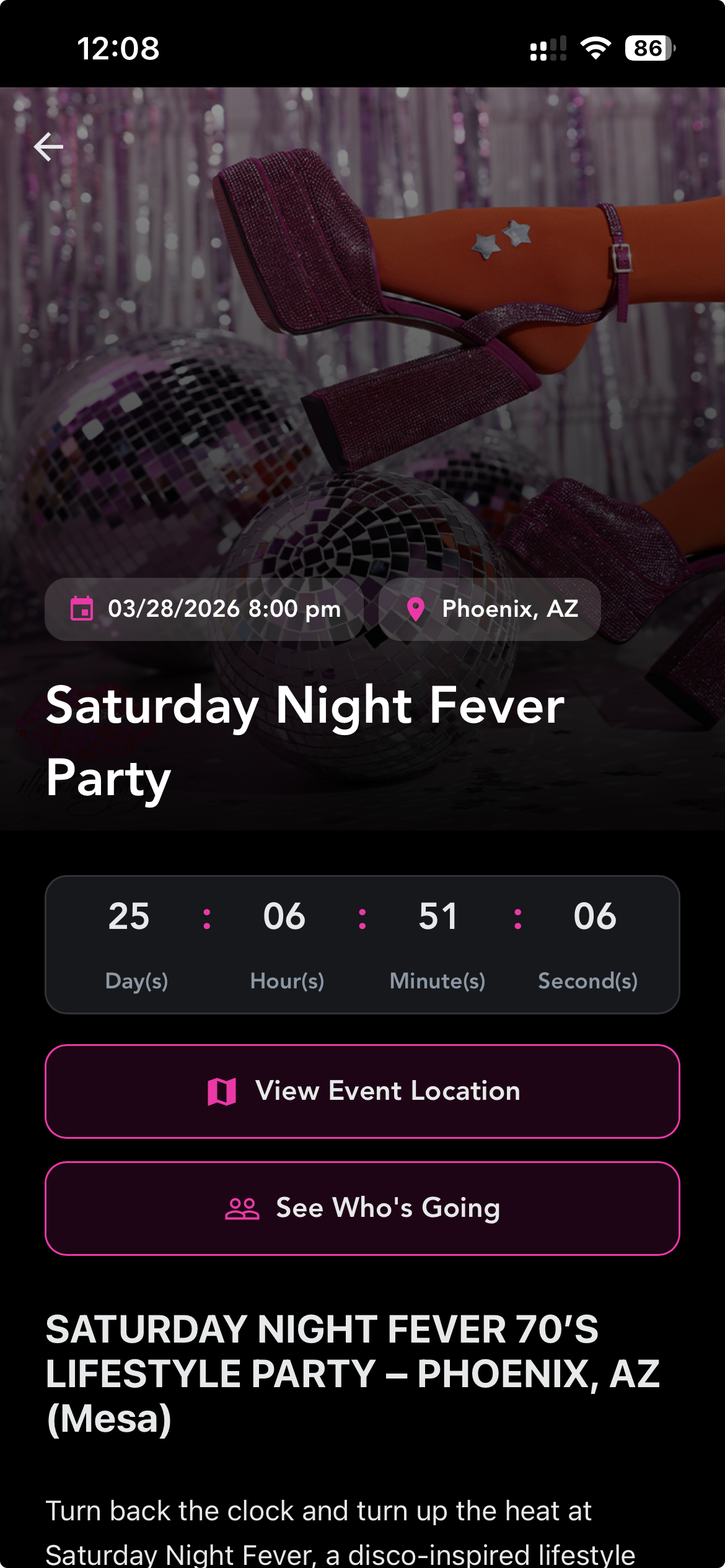
• Discover upcoming events in your city and get tickets
• Get notified when new events are posted
• Easily get the party address on your phone
• Participate in private event group chats and meet the event hosts ahead of time
• Message your friends
• Connect safely with vetted community at home or while traveling without sharing your phone number
• (Coming Soon) Post ‘Fit Checks’ to share your vibe and see what the community is up to
Premium Unlocks More Connection
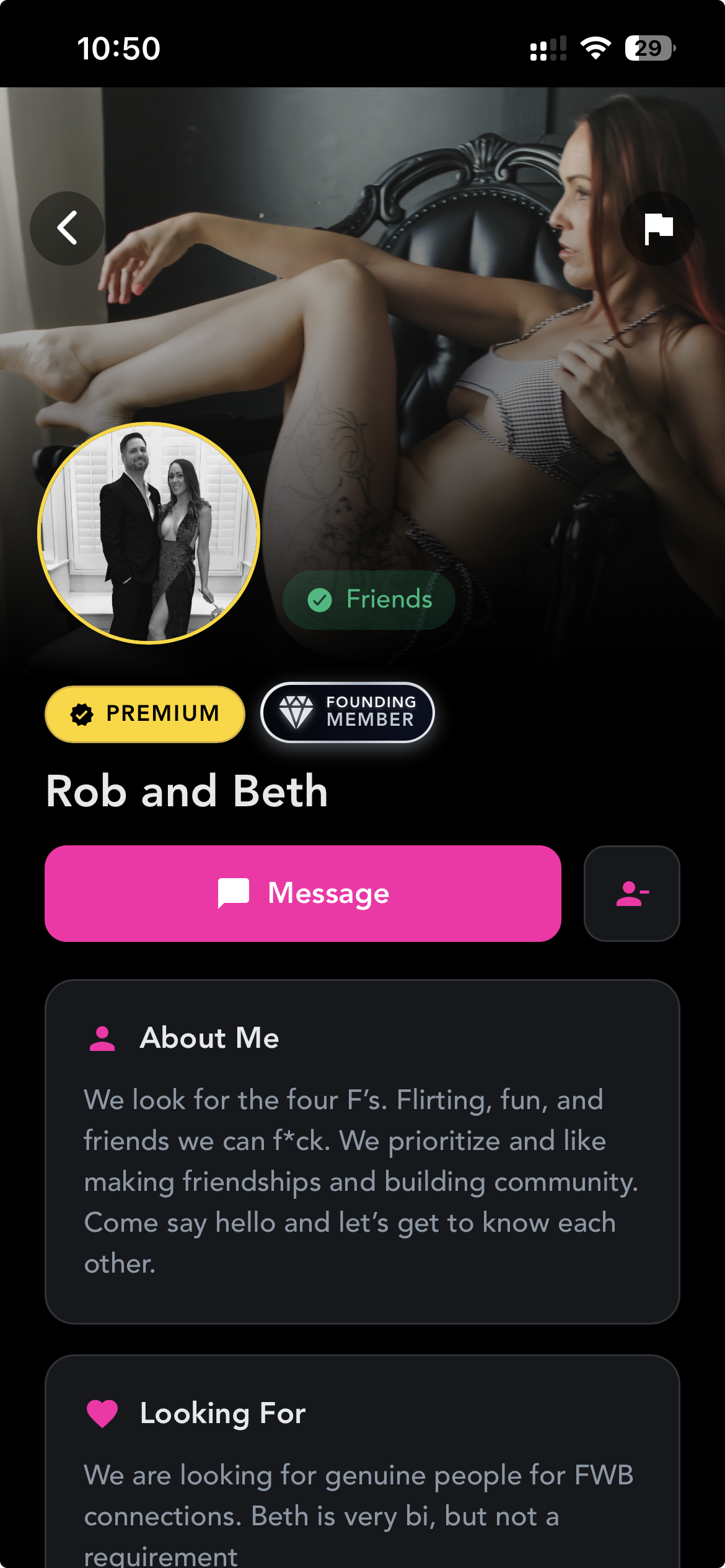
♦ See who’s going before you arrive
♦ Join local group chats and connect with other members in your area or across the country
♦ View member profiles and build your inner circle
♦ Find missed connections after the party
♦ Host or Join member-led hangouts: hikes, cocktails, brunches, or naughty hotel nights
♦ Get notified when new hangouts are posted nearby
Stay Private. Stay Safe.
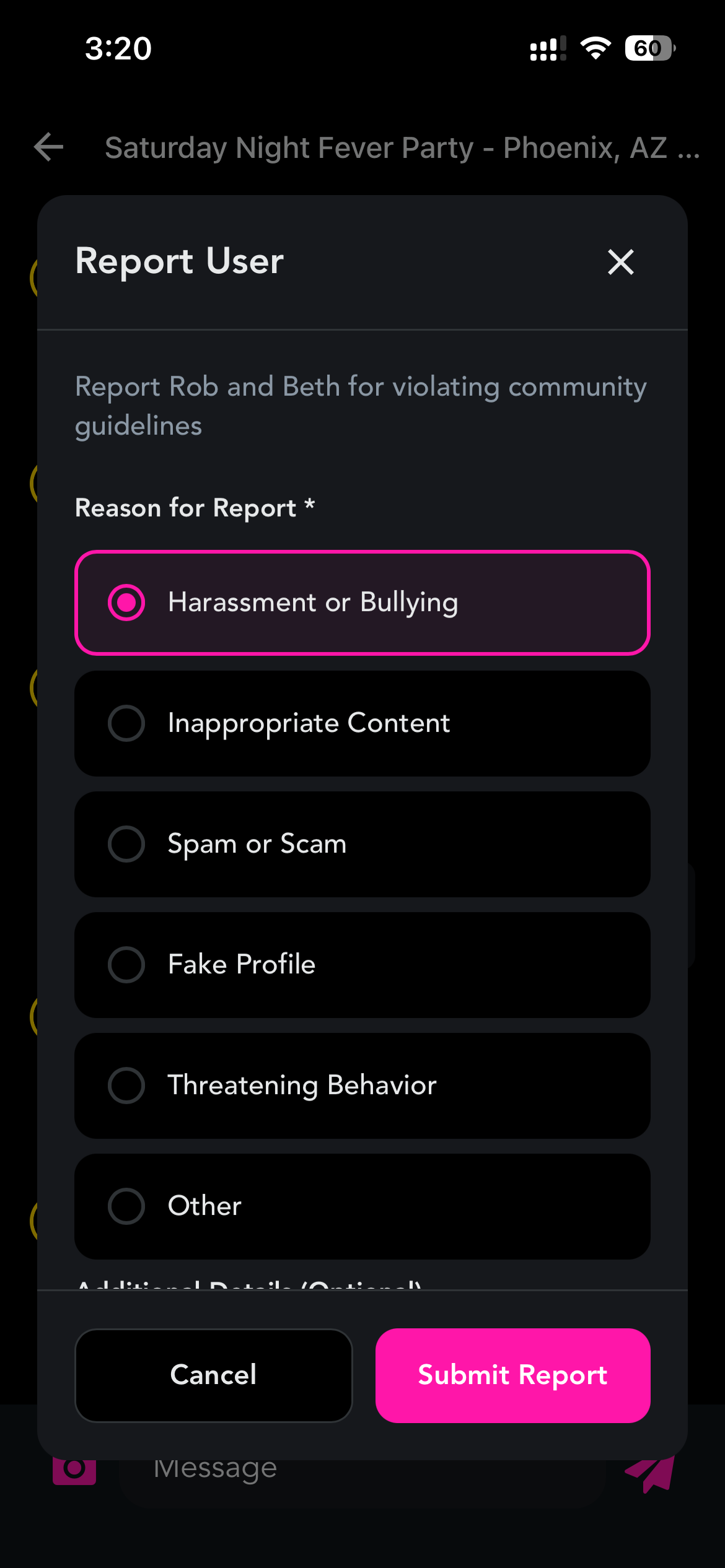
- Profiles are anonymous by default. You control what you share. Your real name and email are never visible to other members.
- Maintain your privacy. Attend events, connect with other members, and make new friends without having to share your phone number.
- Stay safe and protect each other. Illuminaughty is a vetted private community. Members must apply and accountability is enforced through consent-forward culture. Bad actors are reported and quickly removed.
Thank you

We want to extend a huge thank you to our long-standing members James and Mirage, the co-hosts of The Sextracurricular Podcast, for working closely with us over the past 2 years and building this app for the community. We truly hope you enjoy it and will continue working closely with them and listening to feedback to update and improve it to create the best tool we can to bring our members together and encourage connection. Thank you!
FAQ
Q: Do I need Premium to use the app?
If you’re an Illuminaughty member, you can log in and use most features. Premium unlocks the real community tools like viewing attendees, connecting as friends, and posting or attending Hangouts.
Q: Can I scroll through all the members in my city?
No. Your network grows the way real life does: through attending in-person events, hangouts, and mutual connections.
Q: Can I download the app from the app store?
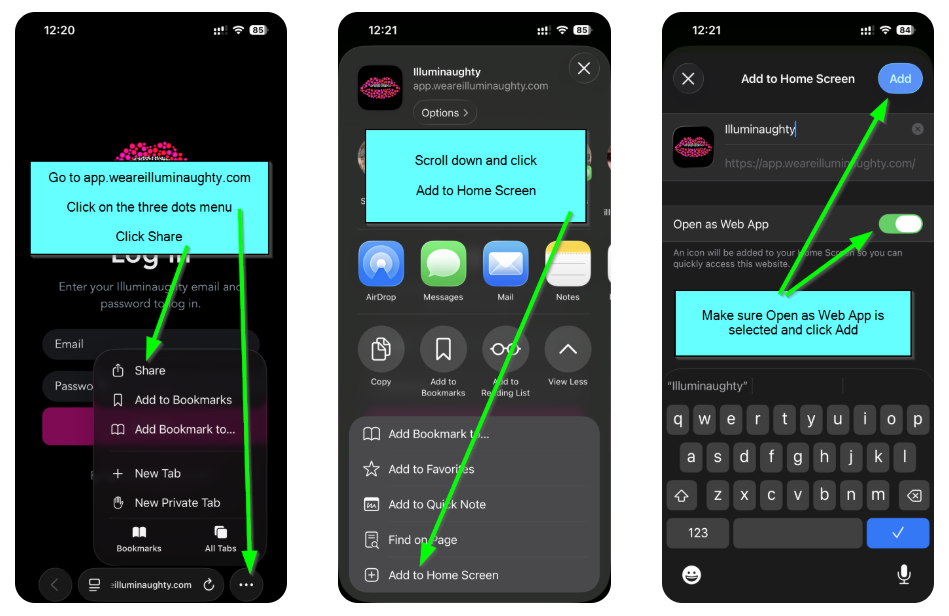
No. It’s a web app. That means you add it to your home screen from our website and it work just like an app.
Setup for iPhone
-
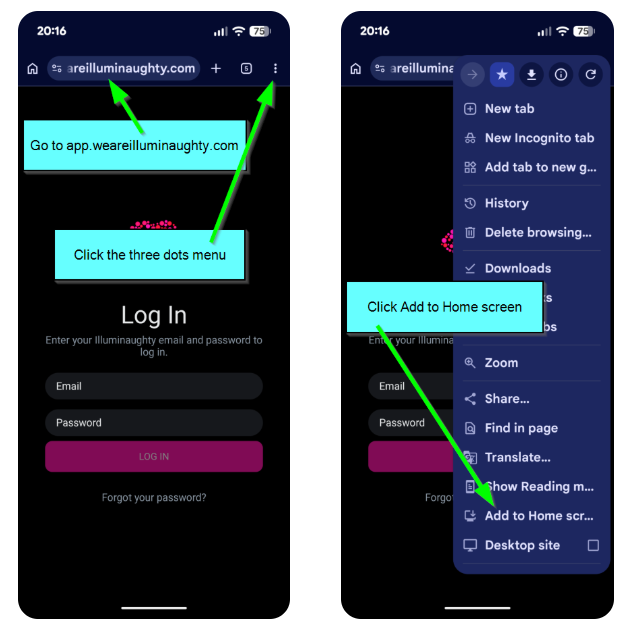
- Visit app.weareilluminaughty.com on your phone (don’t login yet)
- Save the page to your Home Screen
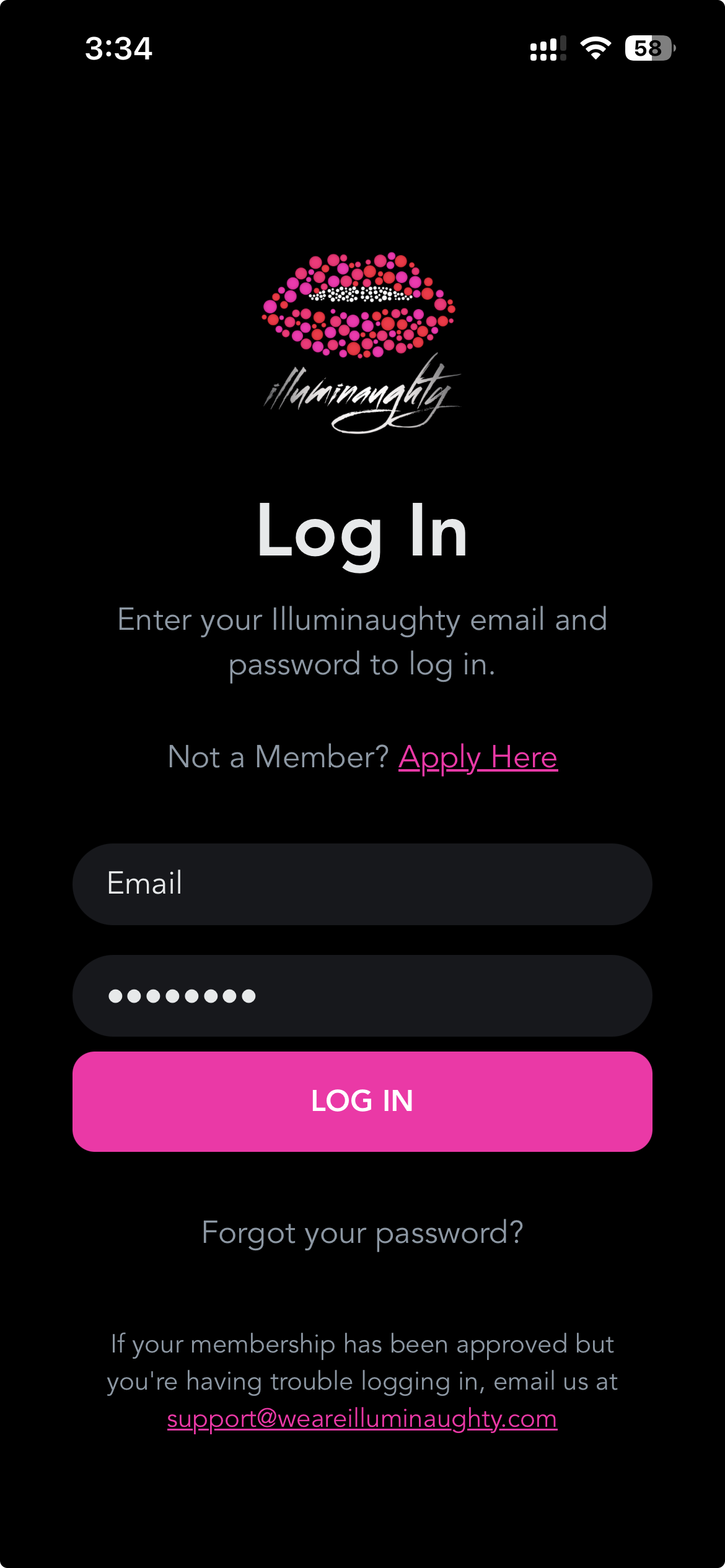
- Open the App from your Home Screen and Login with your Illuminaughty Login.
- Make sure you enable notifications.
- Visit app.weareilluminaughty.com on your phone (don’t login yet)
- Save the page to your Home Screen
- Open the App from your Home Screen and Login with your Illuminaughty Login.
- Make sure you enable notifications.
*If you get a blank white screen when you visit app.weareilluminaughty.com, try using an incognito browser.
Setup for Android
-
- Visit app.weareilluminaughty.com on your phone (don’t login yet)
- Save the page to your Home Screen
- Open the App from your Home Screen and Login with your Illuminaughty Login.
- Make sure you enable notifications.
- Visit app.weareilluminaughty.com on your phone (don’t login yet)
- Save the page to your Home Screen
- Open the App from your Home Screen and Login with your Illuminaughty Login.
- Make sure you enable notifications.
*If you get a blank white screen when you visit app.weareilluminaughty.com, try using an incognito browser.